내 제안과 거래 내역은 어디서 모두 확인하나요?
You can see all the orders records on the "PROPOSALS" page when a proposal is waiting for a response, the exchange is in progress or is completed. So that you can check the details and status of these transactions.
제안 확인하기
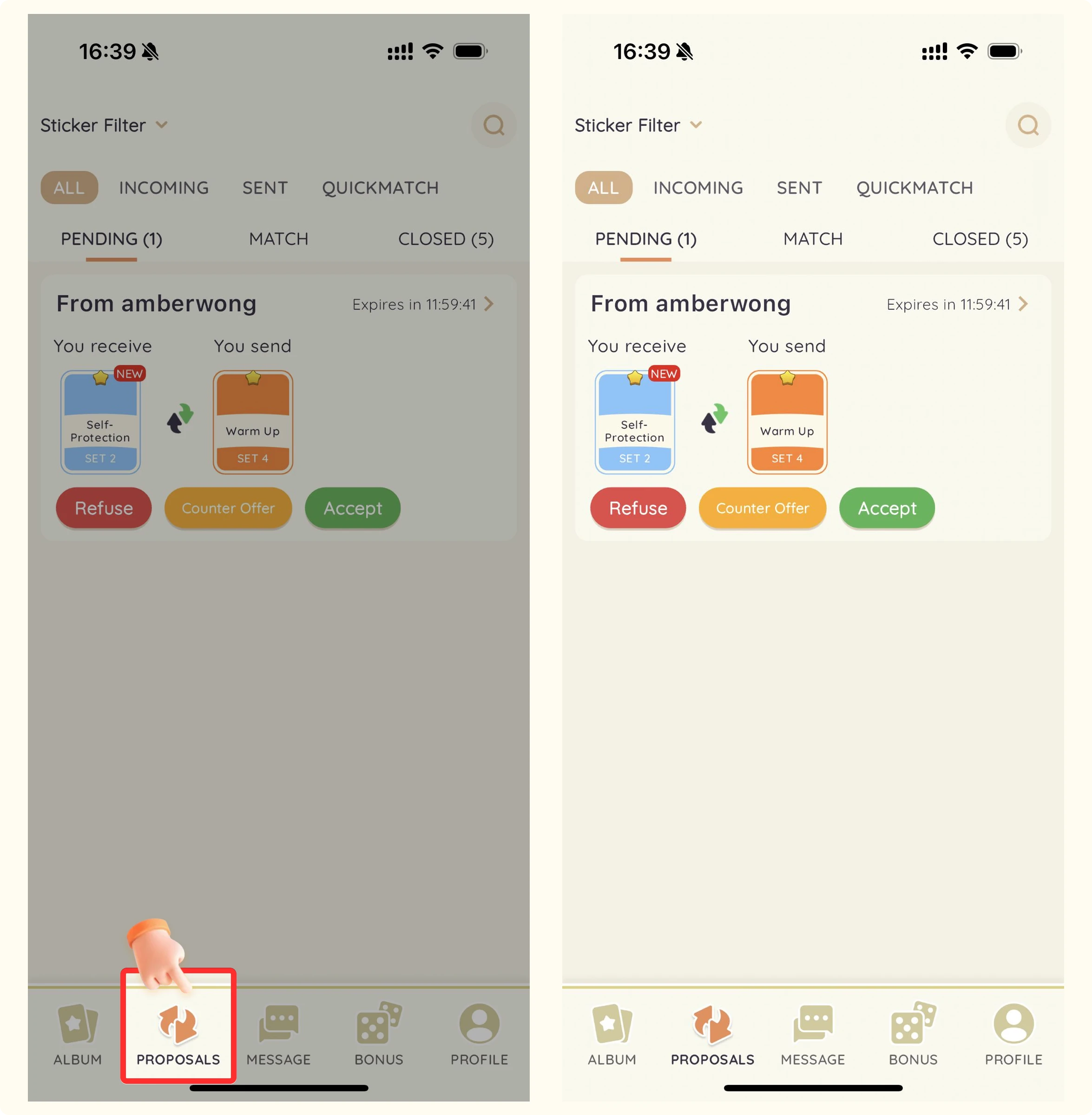
- StickerHub 앱을 엽니다.
- 화면 하단의 "Proposals" 버튼을 누릅니다.
- 상태별로 정리된 현재 및 과거의 모든 거래 제안이 표시됩니다.
필터 사용하기
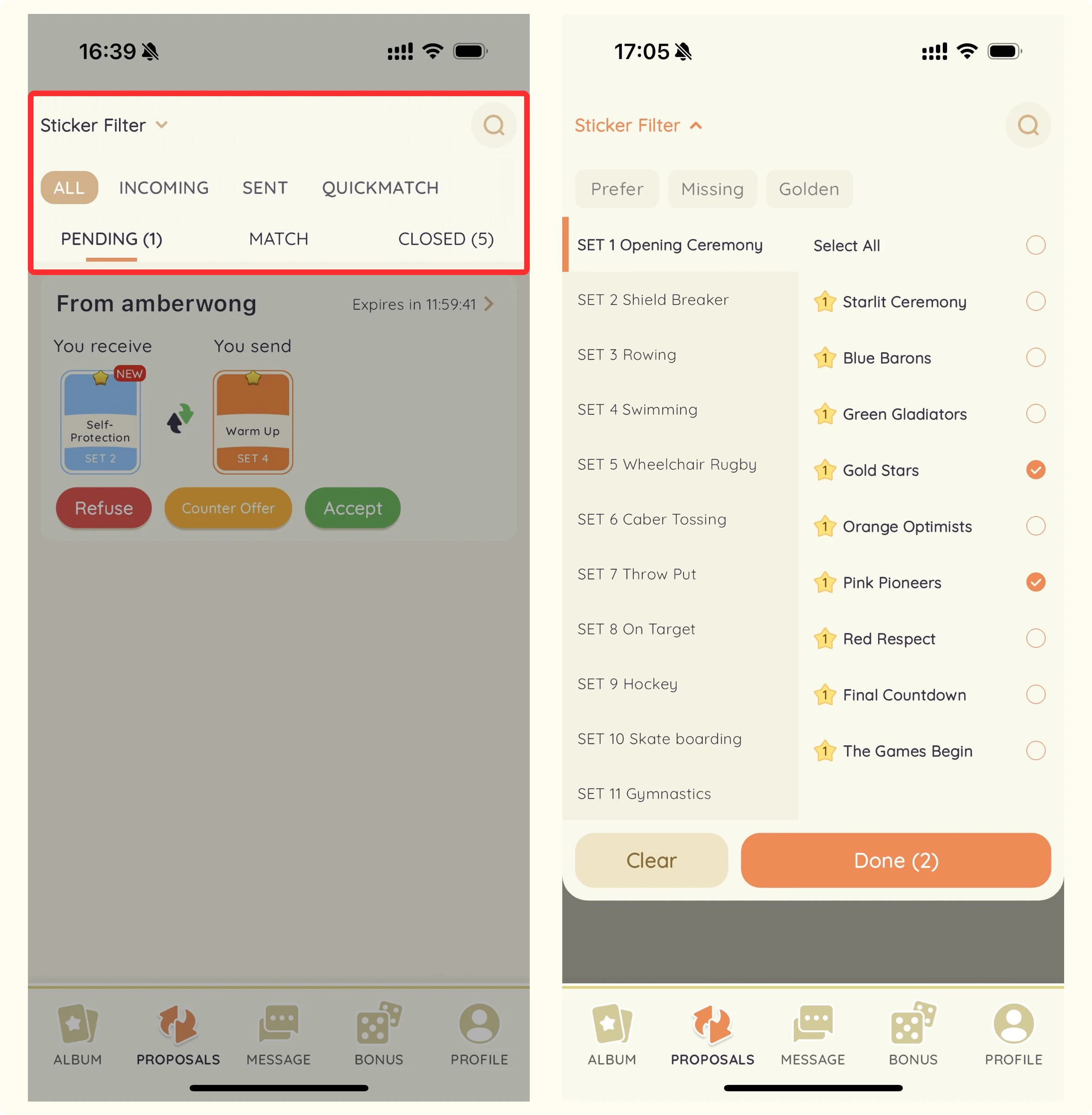
상태, 날짜, 스티커 종류, 거래 상대 등의 조건으로 필터를 사용해 원하는 제안을 빠르게 찾을 수 있습니다.
제안 상태
응답을 기다리는 제안입니다. (12시간 후 만료)
- Pending:응답을 기다리는 제안입니다. (12시간 후 만료)
- Matched:수락되어 교환이 진행 중인 제안입니다. (24시간 후 만료)
- Completed:성공적으로 완료된 교환입니다.
- Declined:상대방이 거절한 제안입니다.
- Expired:시간 제한 내 응답을 받지 못해 만료된 제안입니다.
- Canceled:어느 한쪽이 취소한 제안입니다.