如何查看我所有的提案/訂單?
You can see all the orders records on the "PROPOSALS" page when a proposal is waiting for a response, the exchange is in progress or is completed. So that you can check the details and status of these transactions.
查看您的提案
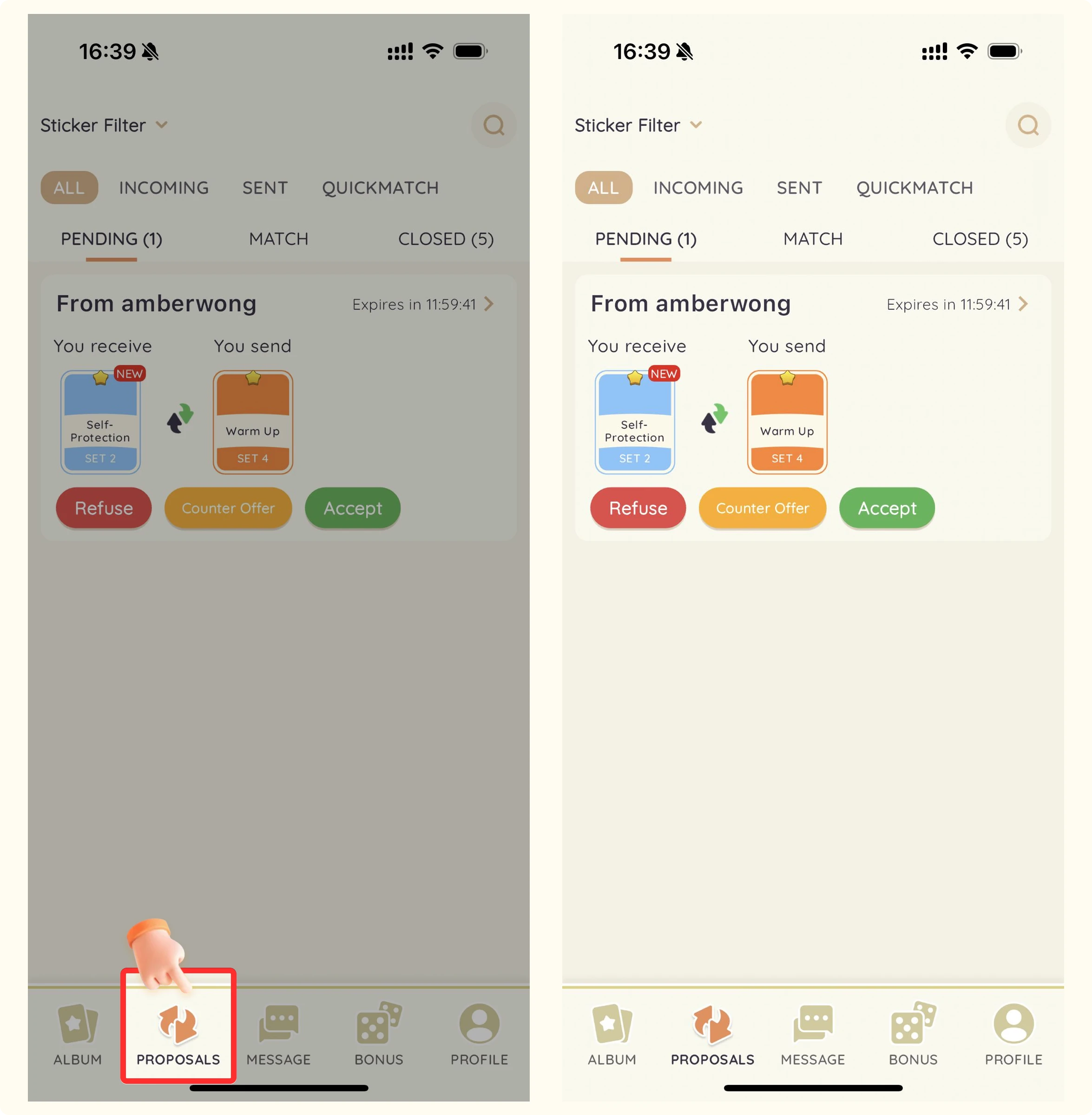
- 打開 StickerHub 應用程式。
- 點擊屏幕底部的「提案」按鈕。
- 您將看到按狀態組織的所有當前和過去的交易提案。
使用篩選器
您可以使用篩選選項根據狀態、日期、貼紙類型或交易夥伴快速找到特定提案。
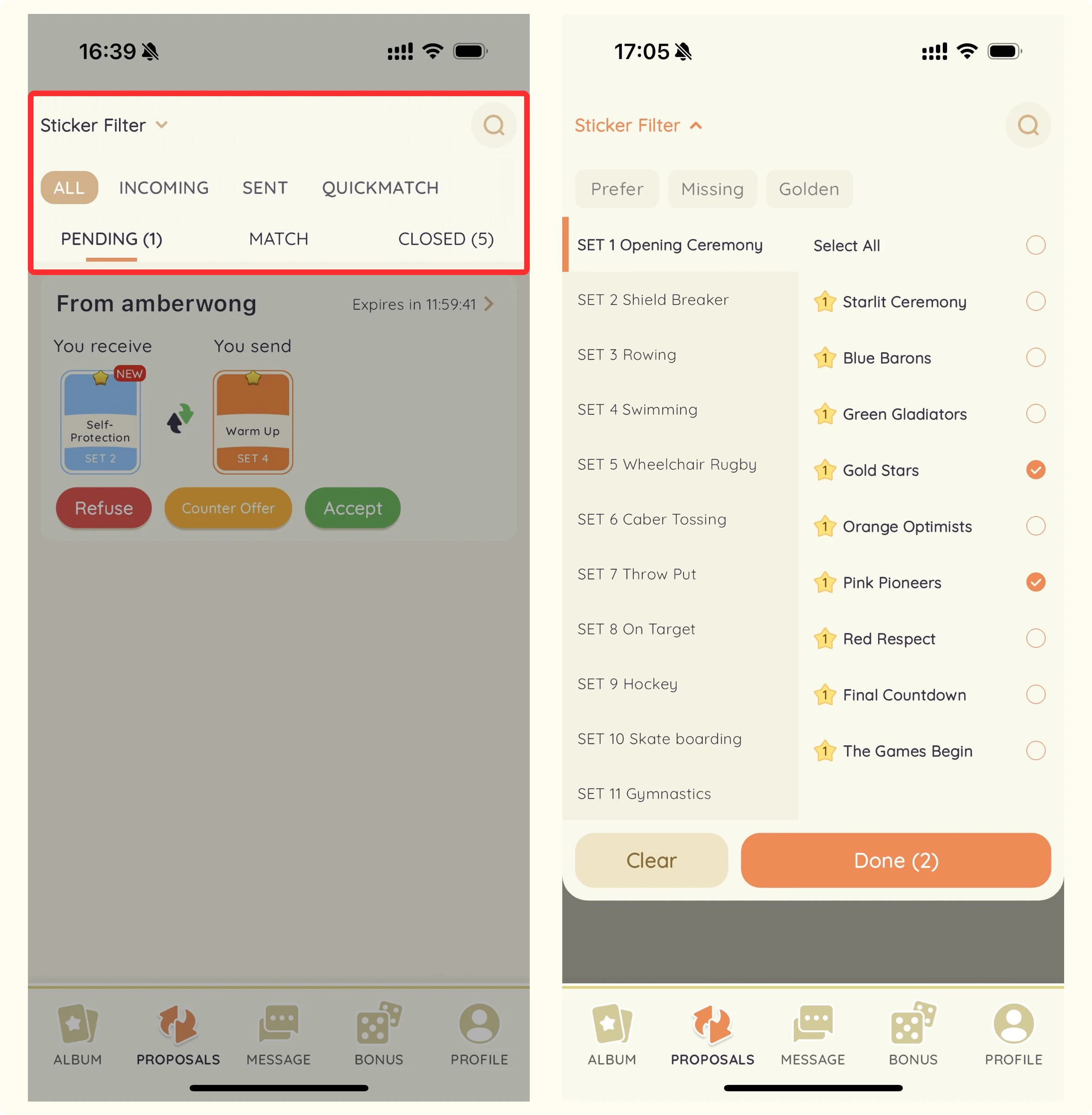
提案狀態
等待回應的提案(12小時過期)。
- Pending:等待回應的提案(12小時過期)。
- Matched:已被接受並處於交換過程中的提案(24小時過期)。
- Completed:成功完成的交換。
- Declined:被其他用戶拒絕的提案。
- Expired:在時間限制內未得到回應的提案。
- Canceled:被任一方取消的提案。